BEFORE THE DETAILS
- Keep identity elements consistent and adapt their arrangement to the format and use.
- Agree a production-appropriate colour reference instead of relying only on a phone image.
- Keep an approved master for each item, including its information and review date.
1. Start with what the customer needs at each touchpoint
Lay out the existing materials: a business card, service list, brochure, packaging label, sign and digital advert. For each, record where it is used, who reads it and what they should do next. A contact card needs direct information; a brochure can explain a service or present options. This inventory reveals duplication and outdated information before money goes into reprints.
Choose a specific purpose for the new set, such as introducing a new branch’s services or making quotation requests easier. Every item does not need every service. Let the materials work together: a clear poster headline, a short brochure explanation and an easy-to-find contact route.
2. Prepare a compact identity reference
Adobe describes a style guide as a reference for logos, colours and typography. For everyday production, prepare something easy to hand to a designer or printer: approved logo files, versions for light and dark backgrounds, and the main colours and typefaces. Include approved examples rather than relying on general descriptions such as “an elegant design”.
For Arabic and English materials, check the business name, description and contact details in both languages. Agree the headline language and translation arrangement, and assign a final text reviewer. Give the translation a planned place from the start instead of adding it wherever space happens to remain.
- A master logo file and clear examples of approved use.
- A colour palette and production reference, plus typefaces and image style.
- A consistent list of names, services, address and contact details.
3. Design a family of materials, not one enlarged layout
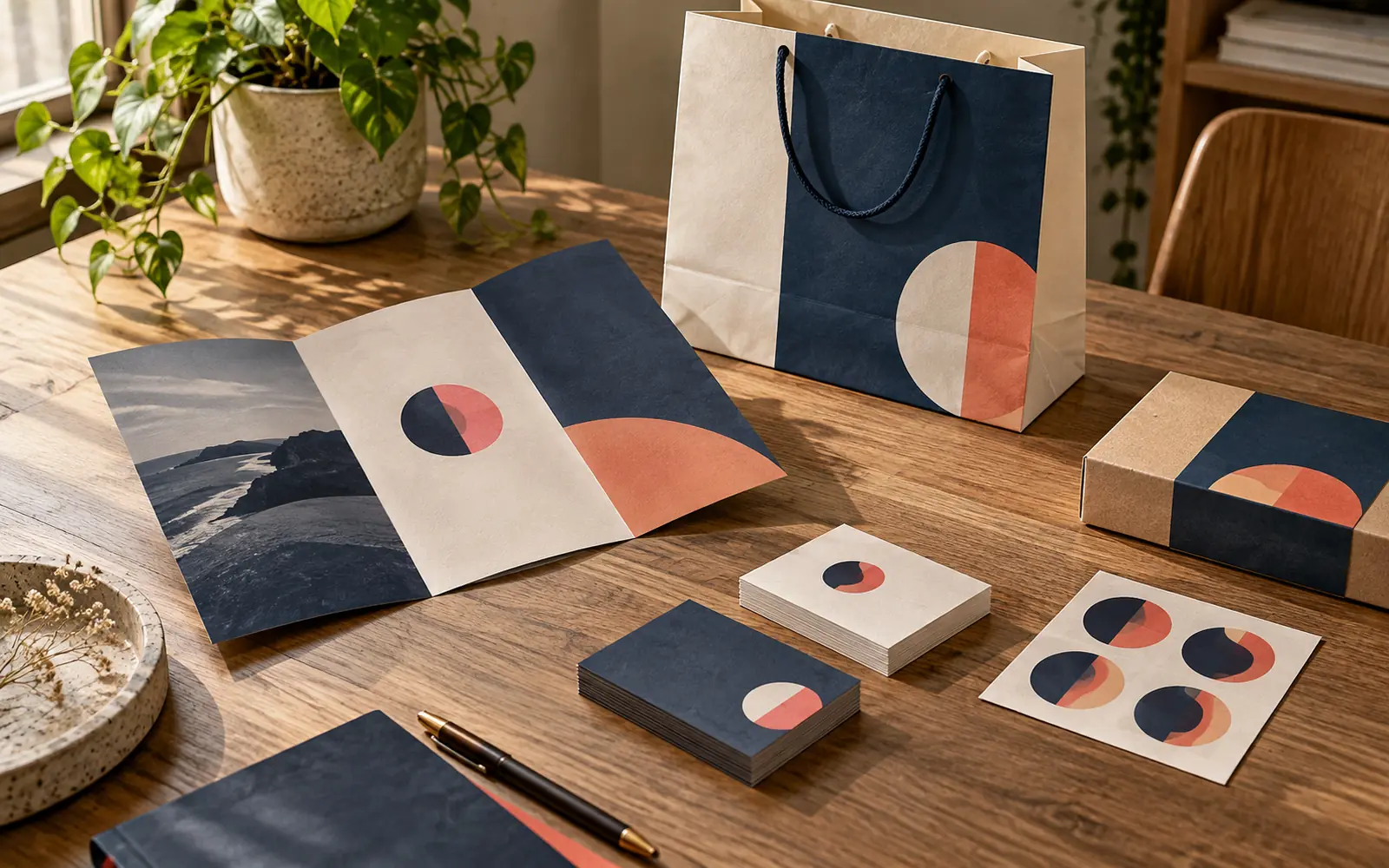
A small card and a banner viewed from a distance need different arrangements. Retain shared cues such as relative logo placement, headline treatment and image style, then rebuild the content for the new space. Enlarging a business card into a sign can leave the phone number too small or include more text than a passer-by can read.
As a planning example, a gift shop could use the same core colour and photographic style across a thank-you card, brochure and seasonal poster. The card explains product care, the brochure presents gift categories and the poster announces the occasion. The messages change to suit their jobs while the identity remains connected.
4. Review colour on the intended material and finish
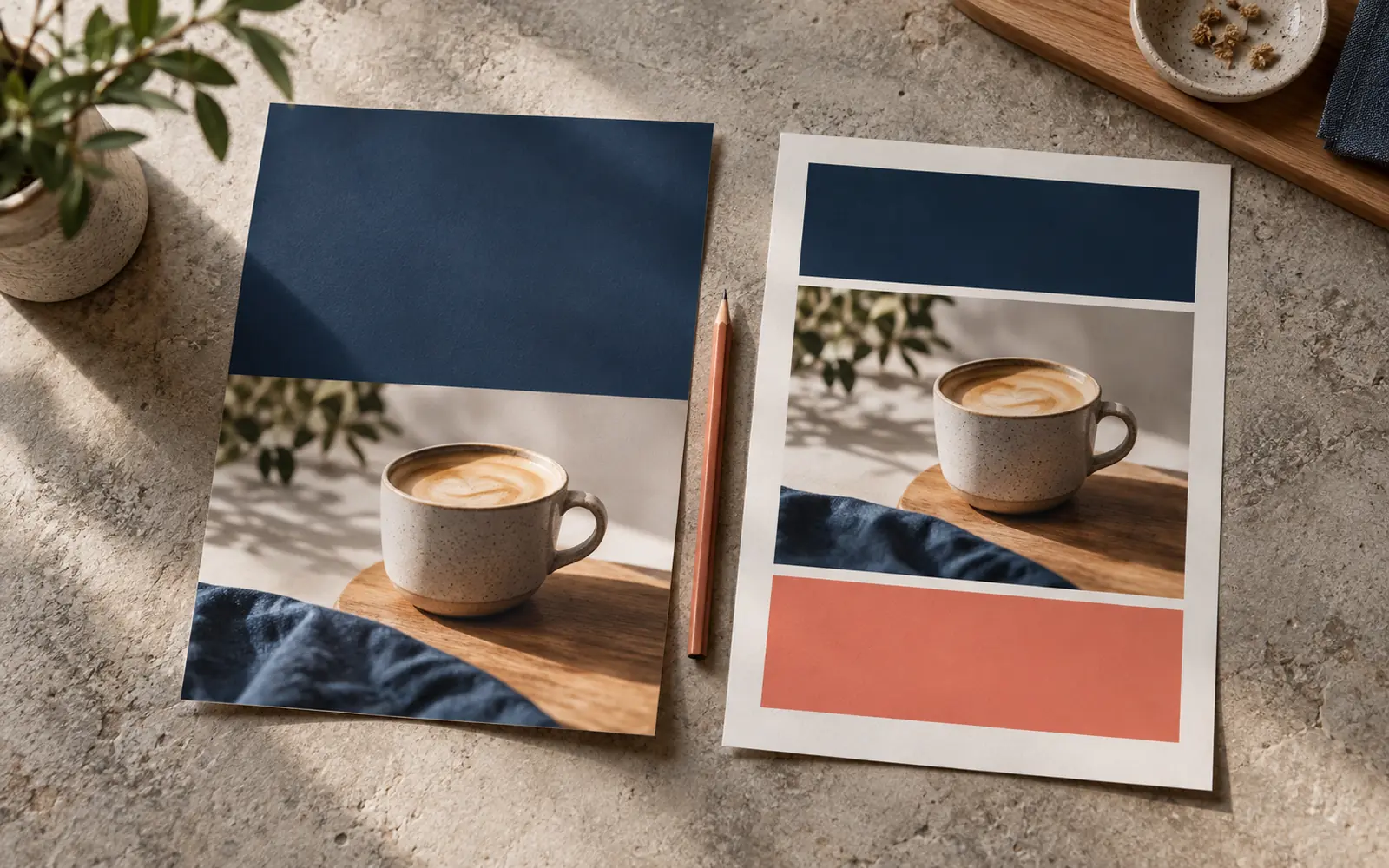
Adobe’s colour-management guidance recommends discussing output conditions and the colour profile with the print provider. Share the brand reference and ask how the job should be prepared; converting every file to an arbitrary CMYK setting does not resolve colour differences. Some screen colours also cannot be reproduced in exactly the same way in print.
If colour is critical to your decision, ask what kind of proof is available and what it represents. A proof for wording and size may not be a final colour reference. Compare important materials under suitable lighting and record the approved material and finish so that future reprints have a clearer specification.
5. Make approval repeatable
Assign one person to consolidate changes rather than receiving conflicting comments across several conversations. Put the item name, size, language and version on the review file, then approve one specific final file. Keep its specification, quantity and reference sample when available so every new batch does not start from scratch.
- Check phone numbers, address, links and spelling in both languages.
- Review the design at actual size and check cutting and folding positions.
- Replace the team’s old versions after approving an update.
- Recheck the information before reordering, even when the design is unchanged.
Common questions
Do I need a new identity to make my print consistent?
Not necessarily. Start by reviewing the existing logo and materials, then organise the colours, typography and information. That will show what needs changing and what can stay.
Should every printed item look identical?
They should feel visually related, but content arrangement and size change with each item’s purpose and viewing distance. The customer should recognise the same brand.
What should I send for a coordinated print set?
Send the logo, existing materials, item list, dimensions, quantities, approved text and required date. Say whether you need design development or production from ready artwork.
Sources and further reading
YOUR NEXT STEP
Turn the details into a clear brief.
Send your logo, examples of current print materials and the items you need so we can review the design and printing scope.