BEFORE THE DETAILS
- Balance apparent size and weight, not just the font-size number.
- Check paragraph direction, numbers and links separately.
- Approve the wording after testing the final version at actual size.
1. Organise meaning before placing the languages
Start with a content list pairing each heading, description and contact detail with its approved translation. Separate the business name from the service description, and identify words to translate and names needing consistent transliteration. A branch or product name should not change between a card and a brochure because it has been translated again. Assign a fluent reviewer for each language to check meaning, names and facts, not spelling alone; a grammatically correct sentence may make a different promise.
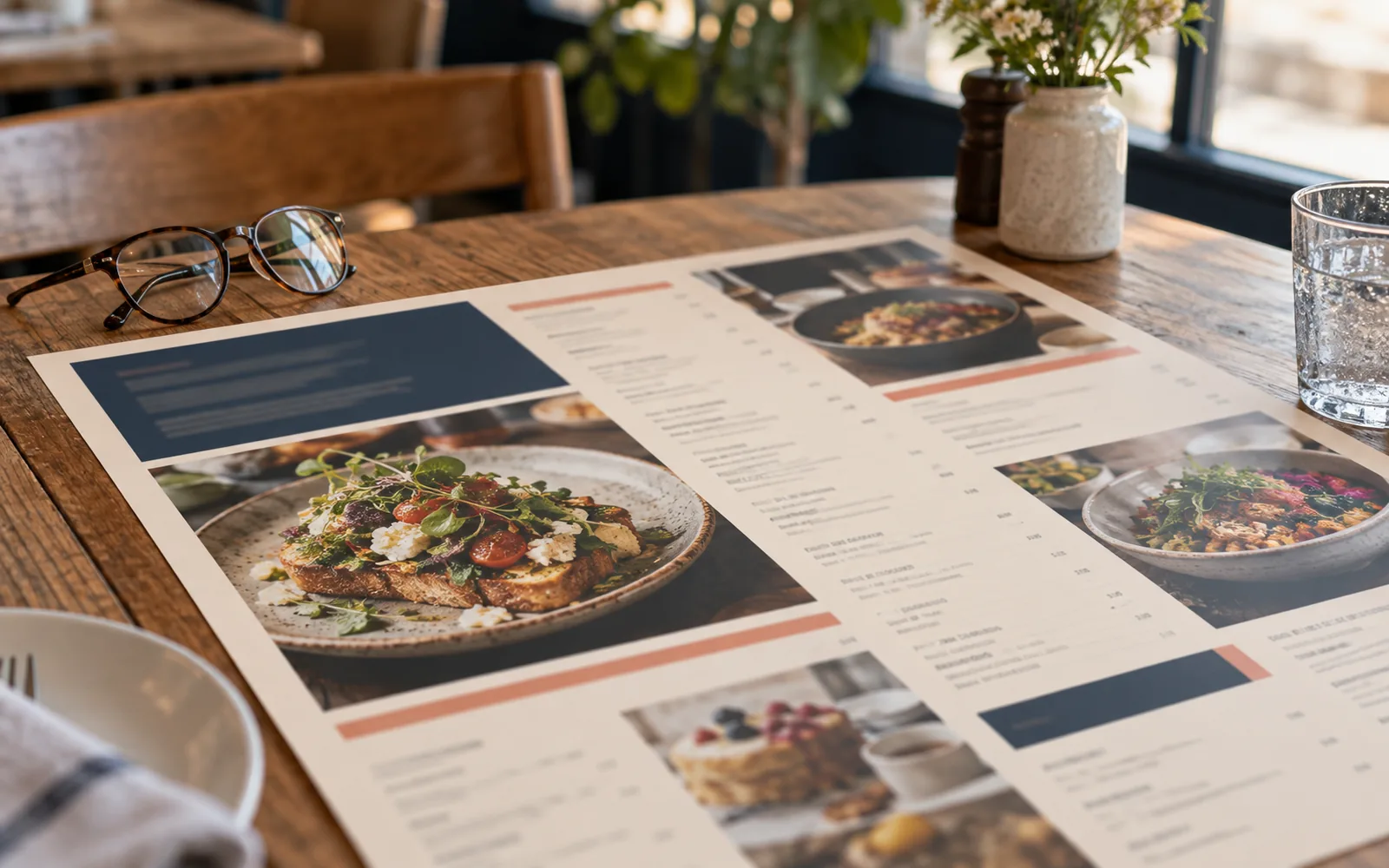
Choose a structure that suits the task: paired lines for brief details, separate blocks for longer copy, or one side per language where appropriate. In a hypothetical Sohar training centre, keep a course name and date together in each language rather than placing all Arabic headings at the top and their English descriptions elsewhere. Test how easily someone finds a specific detail before judging the grid’s appearance.
2. Compare typefaces by looking and reading
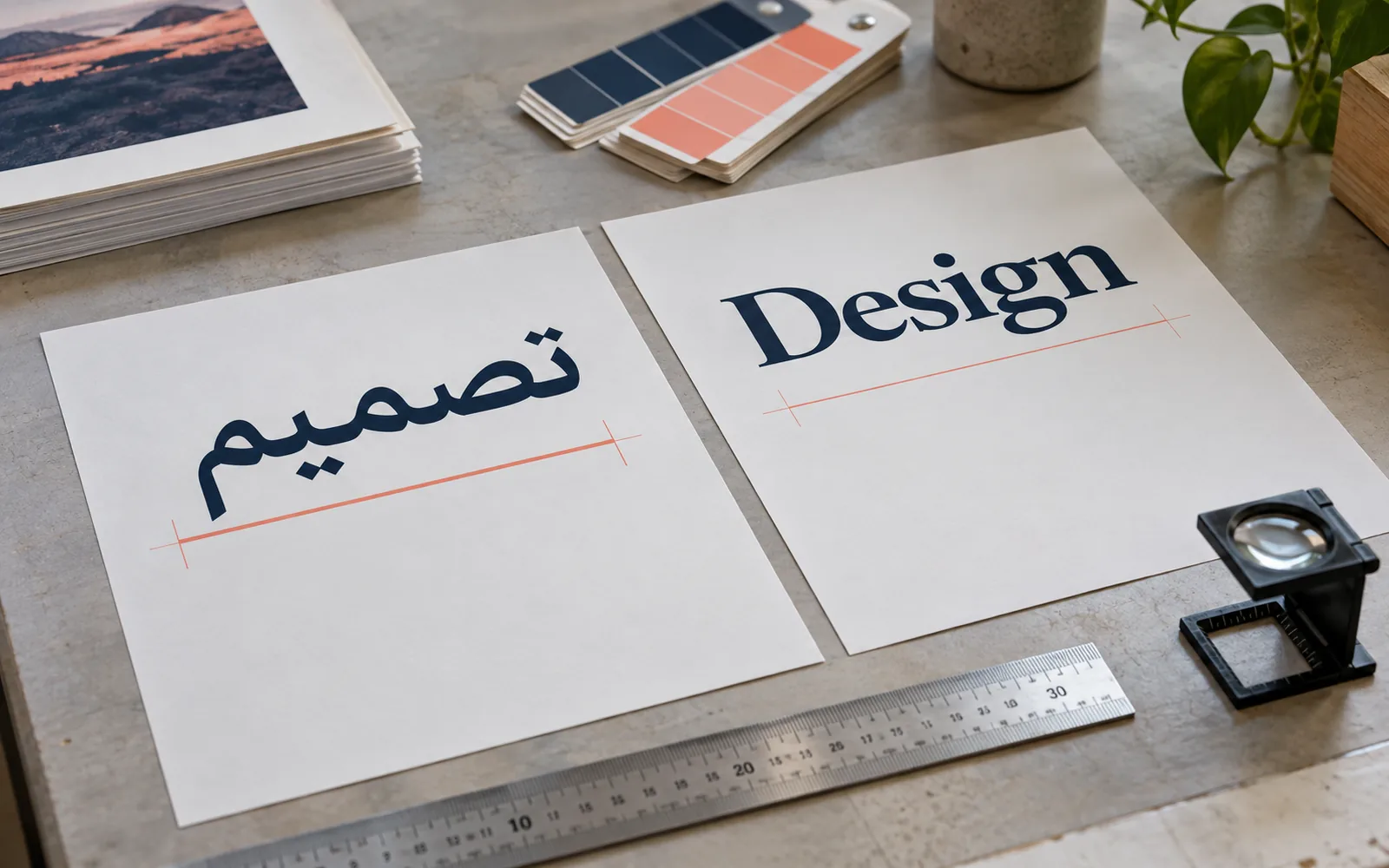
Print samples of the real copy in the candidate typefaces, including a heading, description, names and numbers. Two fonts at the same numerical size may differ in apparent size and density. Adjust each language to balance its role in the hierarchy, and do not stretch letters horizontally to match the other line’s length. Begin with a limited set of weights, define how headings, descriptions and secondary details differ, and check whether one language dominates unintentionally.
W3C’s layout requirements describe Arabic as a cursive script and explain that its spacing methods differ from letter spacing in non-cursive scripts such as Latin. In practice, do not automatically apply English letter-spacing settings to Arabic. Check dots, hamzas and any diacritics, particularly in heavy headings. When space is tight, try editing the copy, widening the column or choosing a suitable typeface before reducing it until letter details become hard to distinguish.
3. Set reading direction and mixed-language details
Right alignment does not replace setting paragraph direction. Words can sit in the intended position while brackets or punctuation behave unexpectedly. Tools such as InDesign provide paragraph, character and story direction controls in supported editions. Use appropriate direction settings for each part and keep the text editable during review, rather than typing words backwards to repair a temporary display problem.
Number sequences run left to right even within Arabic context, as W3C explains. Place phone numbers, email addresses and URLs in clear groups, then inspect the country code, plus sign and separators after export. Agree the digit style and the way time and currency will be written, and apply them consistently. Do not translate an email address, or split a URL between lines where doing so makes manual transcription ambiguous.
4. Give each language the space its content needs
A translation may be longer than its source, and Arabic may need different line spacing for comfortable reading. Do not resolve every difference by forcing paired lines to finish at the same point. Use clear spacing between groups and connect translations through position and weight rather than a pale colour that is difficult to read. In long lists, preserve item order and let the reader follow one row without drifting into a neighbouring price or description.
Before repeating the system across every page, test the hardest cases: the longest name and description, a line mixing language and numbers, and a dense page. The hypothetical training centre may discover that long course names need two lines while dates need a separate field. Fixing the rule now is more useful than adding another manual exception on each page. Leave room for realistic edits rather than creating a layout that cannot accommodate one extra word.
| Element | Practical test |
|---|---|
| Headings | Is the same priority clear in both languages? |
| Numbers and contact details | Compare every sequence with the approved source |
| Longest copy | Test wrapping without squeezing or losing meaning |
| Tables and lists | Follow one complete item and check its row alignment |
5. Test an actual-size printed proof
View the final file and print a proof without automatic fit-to-page scaling, then verify its dimensions with a ruler. Read it from the intended distance in lighting similar to its use. Ask someone who did not design the page to locate a detail and transcribe a phone number or date. An attractive appearance is not enough; notice where they hesitate and whether the smaller language is comfortable or requires bringing the paper unusually close.
Separate content approval from presentation approval. The owner checks names, translations and dates; the designer checks wrapping, collisions and punctuation direction. Open the exported version that will actually be used, rather than approving an old screenshot from the design application. Record the approved version and retest any field changed afterwards, because an extra digit or English word can alter a mixed-direction line that was previously correct.
Common questions
Must Arabic and English use the same font size?
Not necessarily. Compare apparent size, weight and clarity on a physical proof, then adjust according to each element’s role. Matching the numerical setting does not guarantee balanced reading.
Can machine translation be used without review?
It may help with a draft, but names, service descriptions and instructions need review by someone fluent in the language and context. Approve the copy before fixing the layout, then check it again within the design.
Sources and further reading
YOUR NEXT STEP
Turn the details into a clear brief.
Send both approved language versions, the size and intended print use so we can review the bilingual layout and information clarity.