BEFORE THE DETAILS
- Test reading in real use conditions, not only on an enlarged screen.
- Give essential text contrast, space and a size suited to the audience.
- Provide another way to access information when the printed version is insufficient.
1. Begin with the reader’s task
Ask what the reader needs to do: choose a product, understand an appointment, complete a form or follow instructions. Organise information around that task and keep details needed for a decision together. Do not scatter a price, its description and its exceptions across unrelated areas. Remove repetition that adds no meaning and explain specialist terms when the audience may not know them. Editing copy creates space for clearer type instead of squeezing everything in.
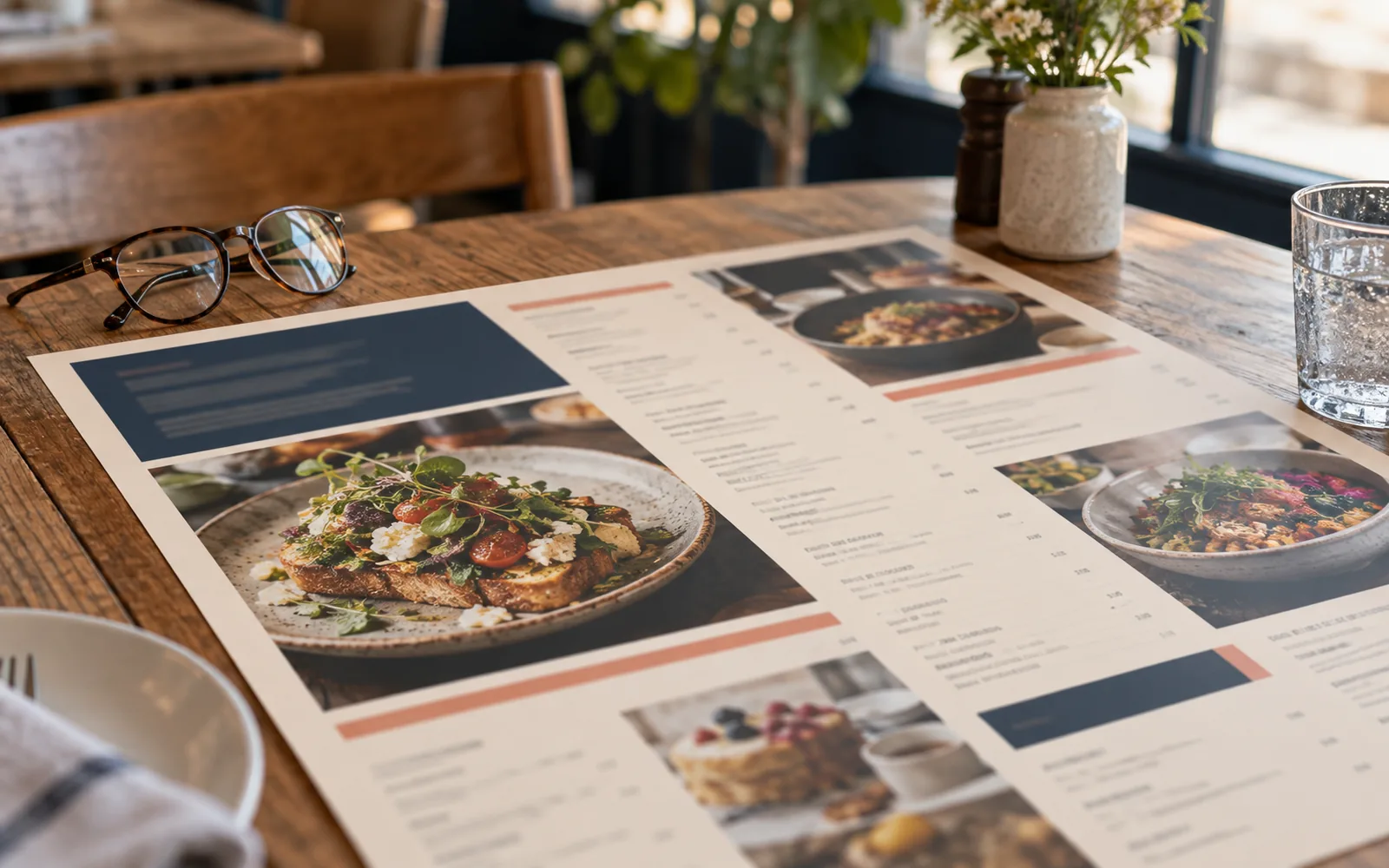
In a hypothetical Nizwa café, a visitor wants to find a drink’s name, size and price without navigating decorative pages. Group similar items under clear headings and repeat the same information order within each entry. If the menu is too full, try dividing the content or adding pages before shrinking every description. Information customers need should not become harder to read merely because an earlier design allocated too little room.
2. Choose readable type and test its size
RNIB’s clear-print guidance recommends simple type and a minimum text size of 12 points in its context, but that number does not guarantee readability for every piece or typeface. Treat it as an initial reference for close-reading text, then test according to the font, language and reading distance. A larger size may be needed. Make headings clearly distinct, and avoid setting an entire English paragraph in capitals or using highly decorative type for long passages.
Compare difficult words and similar-looking digits on a printed proof. Are Arabic dots distinct, does each description separate from the next line, and can the reader find the start of every item? Adjust line and paragraph spacing without pulling related information apart. For continuous copy, try a natural alignment in the language’s reading direction rather than centring every line. An attractive typeface cannot by itself repair an excessively long line or a narrow column that continually interrupts a sentence.
3. Review contrast and the surface together
CNIB guidance emphasises contrast between text and its background and recommends matte or non-glossy surfaces to reduce glare. Begin essential copy with a clear dark colour on a quiet light background, then test a sample under actual lighting. A colour may look readable on a luminous screen yet appear weaker on the chosen paper. Avoid placing important details over a busy photograph or pattern; if an image is needed, give the text a separate quiet area.
Do not rely on colour alone to distinguish choices; add a word, heading or understandable symbol where needed. The hypothetical café menu can label categories “cold” and “hot” rather than relying only on blue and red. Inspect the reverse as well, since text showing through from the other side can distract. These are practical checks for the chosen item, not a claim that one material or colour combination suits every person and environment.
4. Make scanning and following content straightforward
Use a consistent pattern for headings and lists, with enough space to distinguish groups. In forms, keep questions beside their answer areas and connect instructions with the fields they explain. In tables, avoid tightly packed rows that force readers to guess which entry belongs to which column. Do not fill every available space with another logo or image; space separates parts of the task and allows later copy changes without breaking the arrangement.
Use the following checklist on one sample before rolling out the design. Record the observed difficulty and a proposed change rather than a broad instruction such as “make everything bigger”. If readers lose their place between items, spacing or grouping may be the answer. If they confuse two digits, the font or size may be responsible. Identifying where reading breaks down makes changes more precise and helps the team preserve important information.
| Check | Question to ask | Change to try |
|---|---|---|
| Finding information | Can the reader locate the intended item? | Clearer headings and grouping |
| Distinguishing text | Are letters and digits distinct? | Another size, weight or typeface |
| Lighting | Does glare obscure any text? | A less reflective surface sample |
| Completing the task | Does the reader know what to do next? | Closer, simpler instructions |
5. Test with readers and identify alternatives
Print at actual size and try the item where it will be used: on a table, at reception or in the hand. Ask several people to complete a specific task without prior explanation and record where they need help. Ask about their preferences directly rather than assuming age or glasses tell you everything about their needs. A small test can reveal useful problems, but it does not represent every reader or prove the design suits every situation.
Some customers may need a larger version, digital text that can be enlarged and read with assistive technology, or available human assistance. Do not make a digital code the only route to essential information if that makes the task harder for your audience. This article offers design guidance for readability, not an accessibility certification or a statement of legal compliance. If a project requires a specific standard, establish its scope with a specialist and test the required version and medium separately.
Common questions
Is 12-point type always enough?
No. It is a reference in particular clear-print guidance, not a universal size for every font or distance. Test the sample with readers and enlarge it or offer a larger version where needed.
Does a screen contrast measurement prove print readability?
Not by itself. It can help during design, but paper, ink, finishing and lighting affect the physical sample. Review the print in its intended conditions.
Sources and further reading
YOUR NEXT STEP
Turn the details into a clear brief.
Share the printed item, who will read it and where, so we can discuss content order, typography, contrast and a suitable review sample.