BEFORE THE DETAILS
- Build the short edit from complete ideas, preserving conditions and qualifications.
- Check captions against the audio, especially names, numbers and negation.
- Test sound and text on the viewing device and in the actual publishing interface.
1. Start with a transcript and the intended meaning
Listen to the full interview before choosing the shortest lines. Mark the main question, the answer explaining the idea and the supporting example, then draft a text sequence. Automatic transcription can speed this stage: Adobe documents generating transcripts from speech and using them to create captions. Names, places and similar-sounding words still need checking against the recording; a grammatically plausible sentence is not enough.
In a hypothetical furniture workshop in Sohar, the owner says some pieces can be made to size after material review. That should not become a promise that every piece is immediately available in every material. Keep words defining the scope and avoid joining fragments into a position the speaker did not express. Any edit affecting a commercial promise should be approved by the person responsible for that information.
2. Improve pace without erasing natural speech
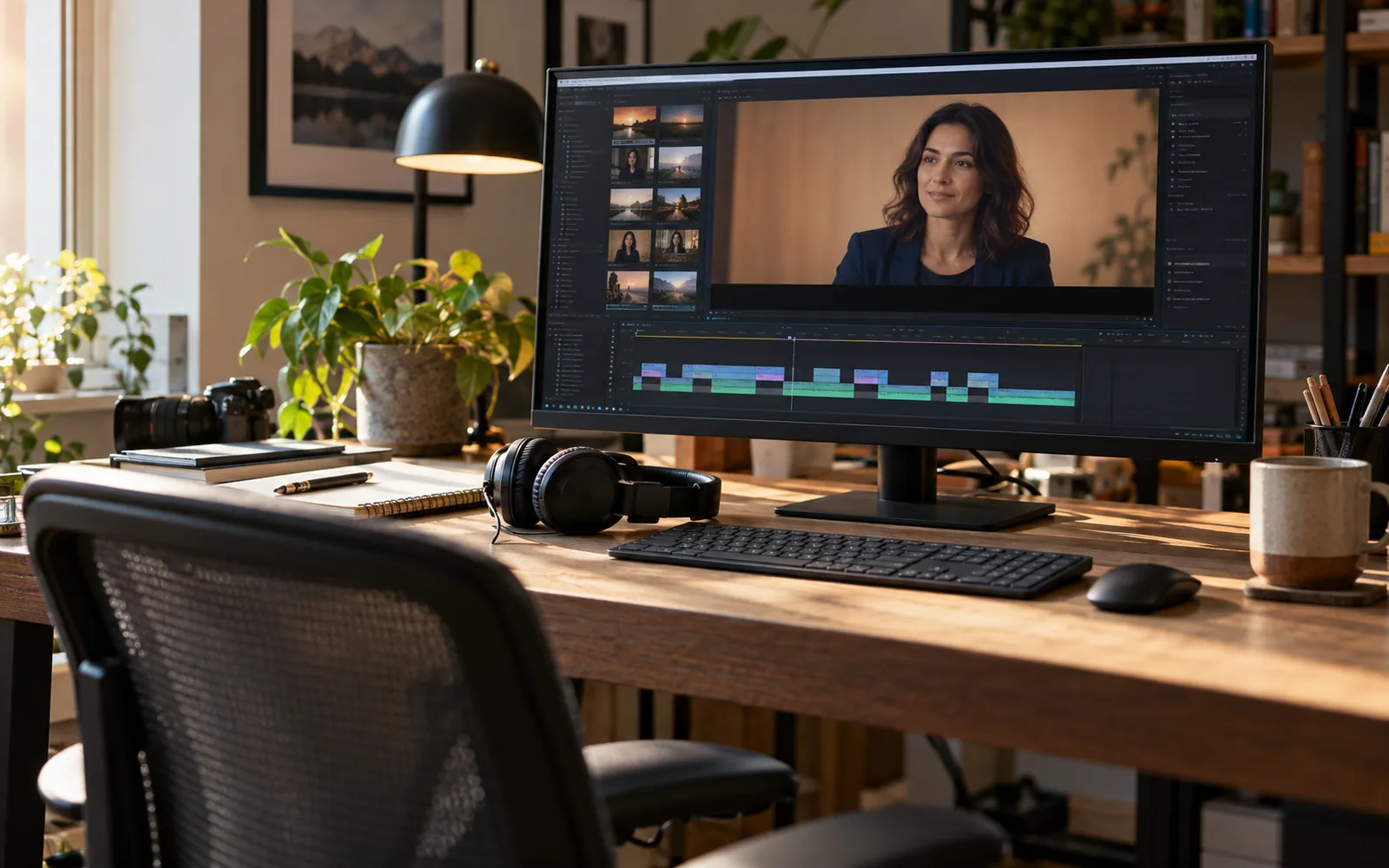
Remove repetition that adds nothing and introductions that delay the answer, while leaving breathing room between ideas. Not every pause is a mistake: it can allow understanding or mark a natural transition. Listen without looking to detect awkward joins, then watch silently to check facial movement and continuity. When speed and comprehension conflict, make comprehension the priority.
A related cutaway, such as a hand measuring a part or a material detail, can cover a transition in the workshop example. Do not imply that a generic product image is a specific result described in the interview. Record whether each cutaway explains, shows detail or provides visual continuity. Numerous transition effects will not repair an incomplete sentence: fix the idea sequence first, then choose a suitable simple transition.
3. Edit captions once the dialogue is settled
Check the transcript against both words and meaning, then review timing after the last edit. The previous answer appearing over the next question is confusing even when correctly written. Pay particular attention to dimensions, prices, product names and negation. For another language, review meaning and context while preserving the same conditions rather than substituting words one by one.
W3C explains that accessible captions include dialogue, speaker identification and sound information needed for understanding. They may therefore need to describe a meaningful sound or identify an off-screen speaker, rather than convey speech alone. Distinguish a short promotional title from transcribed dialogue: a marketing phrase is not automatically a complete substitute for the interview. In the hypothetical workshop, the material name is rendered as spoken using its approved spelling.
4. Make text readable without covering information
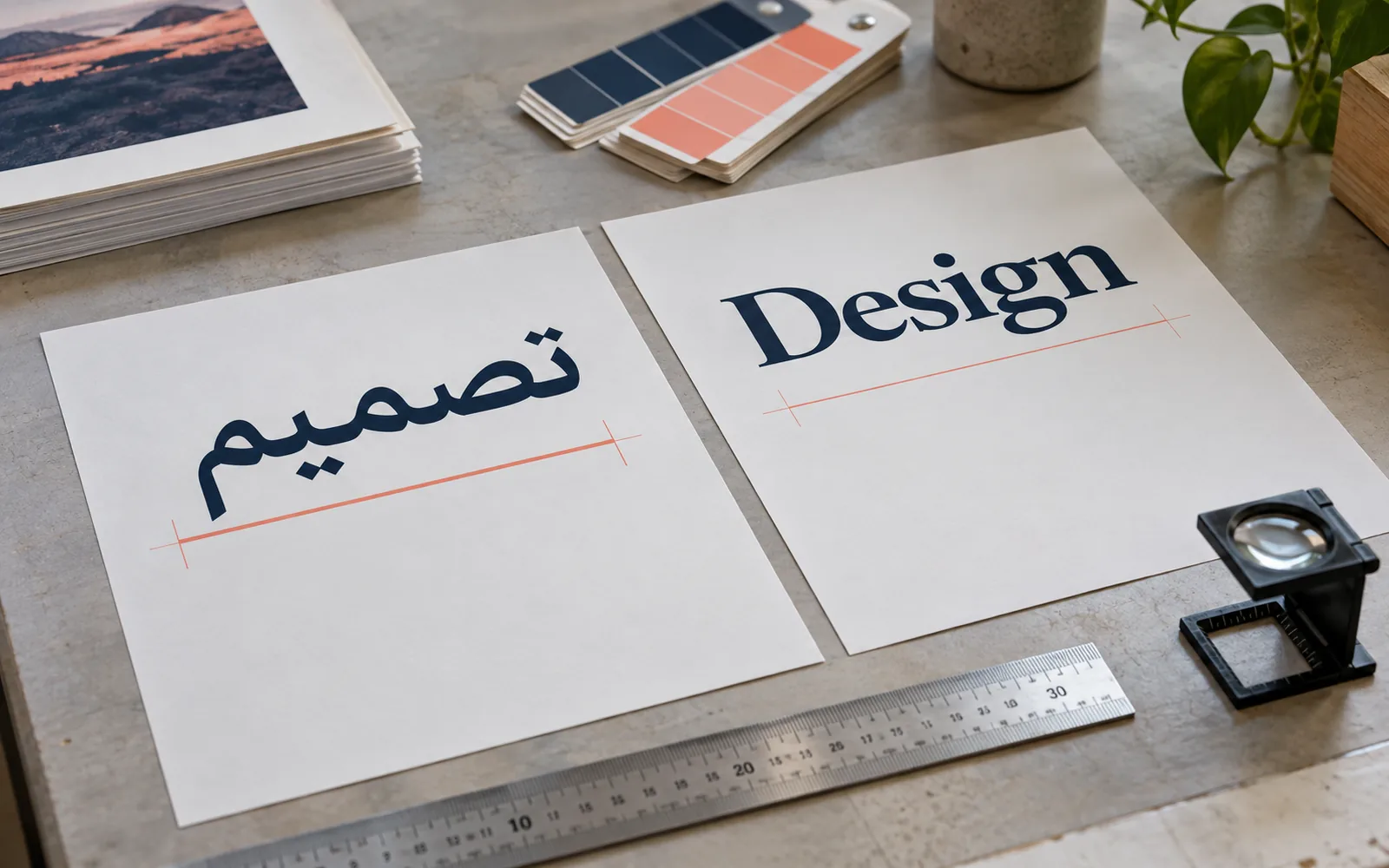
Break lines at meaningful points and avoid separating a product name or a number from its unit when that disrupts reading. Use clear styling and suitable contrast, checking the text over changing light and dark backgrounds. A quiet backing behind words can help, but its size and position should not obscure a demonstration or speaker identification. Test Arabic shaping, number direction and punctuation in the final file.
There is no single safe position for every use. Google explains that buttons and overlays vary with ad format and screen, and provides safe-zone references. Apply the relevant reference, then test the actual presentation, especially for vertical video. Also check how long each caption remains: if reviewers repeatedly pause to read, simplify its density or redistribute it without losing necessary meaning.
| Check | What are we looking for? |
|---|---|
| Meaning | No missing negation or unverified number |
| Timing | Text follows speech after the final edit |
| Position | No obstruction of the face, product or player interface |
| Language | Arabic and translation convey the same qualifications |
5. Review audio and delivery as a real viewer
Listen at a comfortable level through headphones and a phone, checking level changes between sentences and at edits. Lower music when it competes with speech; W3C guidance emphasises separating foreground speech from background audio. Noise reduction needs balance because excessive processing can make speech sound broken or unnatural. Do not assume every recording is repairable: rerecording or removing an unclear line with the speaker’s approval may be clearer.
Agree delivery versions: a clean video, a permanently captioned version where needed and a separate caption file for platforms that support it. Check each version rather than assuming one successful export validates them all. Keep the approved text, speaker names, language, version and information approval. Avoid automatic captions overlapping burned-in text by checking publishing settings for duplicate caption layers.
Ask a reviewer unfamiliar with the original recording to watch the final edit and explain the idea in their own words. If they need omitted context, restore it before locking delivery.
Common questions
Are automatic captions ready to publish immediately?
Treat them as a draft. Check against the audio, review names, numbers and timing, then test the final display. Mostly correct words are not enough when one word changes an offer or answer.
Should Arabic and English appear in the same version?
It depends on the audience and available space. Separate versions or selectable caption tracks may be clearer than crowding two languages together. Test on a phone before fixing the layout.
Sources and further reading
YOUR NEXT STEP
Turn the details into a clear brief.
Send a sample interview, its purpose, languages and publishing destinations so we can discuss editing, caption review and delivery versions.