BEFORE THE DETAILS
- Specify final dimensions, units and material before preparing the file.
- Check image detail at the final size, considering use and viewing distance.
- Confirm trim, colour and PDF requirements for this particular job.
1. Start with final dimensions and material
Write width × height with the unit and confirm orientation. “85 cm wide × 180 cm high” is clearer than two numbers without an order. State whether the job is a sticker, banner or paper print, and describe finishing because cutting, folding and wrapping may need additional space.
Prepare the artwork at the agreed size. If you use a reduced scale, such as 1:10, state that clearly: an 8.5 cm-wide file is not automatically understood as an 85 cm-wide final print. Include a preview image to show the intended arrangement.
2. Check images at their printed size
Required image resolution depends on final size, viewing distance and output requirements. 300 ppi is common for smaller prints viewed close up, but is not a universal rule for every banner or large sign. Review the image at its actual intended size.
Use the original image rather than a screenshot or heavily compressed copy. Increasing pixel count does not guarantee recovery of detail absent from the original. For logos and lettering, vector artwork helps preserve clear edges when the size changes.
3. Understand trim, bleed and the safe area
The trim line defines the finished piece. Bleed extends the background beyond it to avoid an unprinted edge after trimming. The safe area keeps important text and details inside the artwork, away from edges. The amount for each area depends on the job and finishing requirements.
For custom stickers and shaped cutting, keep the cut path distinct from design elements. Add marks and cut lines only as requested so they are not accidentally printed as part of the finished artwork.
| Area | Purpose |
|---|---|
| Background extension (bleed) | Extends beyond the trim line to reduce unprinted edges after cutting. |
| Trim line | Defines the finished piece. |
| Safe area | Keeps text and important details away from edges; agree its size with the producer. |
4. Review colour and fonts
Screen appearance alone does not approve a printed colour: material, ink and output settings affect the result. Agree the output colour profile and PDF settings with the team, rather than converting arbitrarily to an unspecified CMYK profile. Discuss a reference or sample for brand-critical colours.
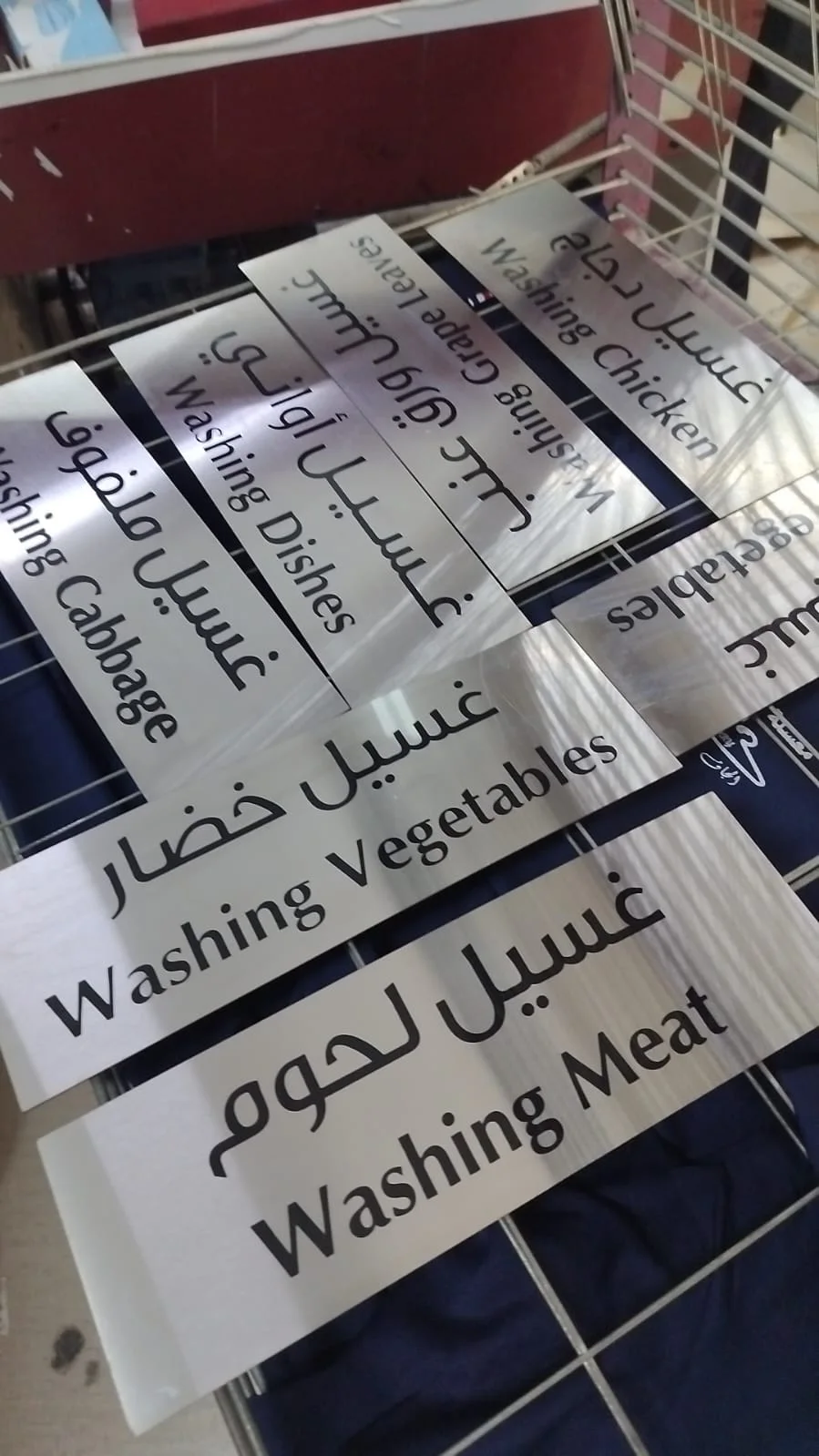
Keep an editable copy and ensure fonts are embedded in the PDF, or outline the text if the team requests it. Outlining preserves the letter shape but makes wording harder to edit, so check names, numbers and spelling first.
5. Your final handoff checklist
Export a PDF using the agreed settings, then reopen it and review every page. A clear filename avoids version confusion: add the size or version number instead of sending several files all called “final”. Supply editable artwork when requested to help resolve any necessary changes.
| Item | Check |
|---|---|
| Dimensions | Width, height, units and scale |
| Images and logo | Original files and quality at final size |
| Trim and finishing | Bleed, safe area and cut path if needed |
| Fonts and colour | Fonts are retained and output settings agreed |
| Content and version | Names, numbers, spelling and the approved version |
Common questions
Does every print require 300 ppi?
No. Resolution is reviewed against final size, viewing distance and output requirements. What matters is image quality at the intended size.
Is a logo image sent on WhatsApp sufficient?
It can help explain the brief. Send the original or vector artwork if available, then its suitability for the required size can be reviewed.
How much bleed should I allow?
Ask the team for the amount required by this product, material and finish. The diagram explains the concept without setting a universal value.
Sources and further reading
YOUR NEXT STEP
Turn the details into a clear brief.
Send the available file with final size, material, quantity and finishing requirements, and state any reduced artwork scale.