BEFORE THE DETAILS
- Specify finished-part dimensions and intended clearance, and have production review cutter compensation.
- A tightly packed layout does not replace cutter space, workholding or material-direction requirements.
- Approve an assembly prototype in the intended material and finish before repeating the parts.
1. Start with a parts list and their relationships
Before nesting, give each part a name, identifier and quantity, and mark its visible face and assembly orientation. Distinguish identical parts from left- and right-hand versions, and a through-hole from a pocket that stops within the sheet. Include an image of the assembled product and a dimensioned drawing with explicit units. This prevents a seemingly complete file from omitting a base or repeating one handed part while leaving out its counterpart. Review the complete list before approving quantities.
Describe what each joint must do: will it be repeatedly assembled, fixed permanently or secured with additional hardware? The producer should not have to infer this from a slot’s shape. Identify function-critical dimensions, such as the distance between a display’s sides or the location of a panel slot, and distinguish them from decorative dimensions that may be negotiable. Resolve any conflict between assembly convenience and appearance before preparing the version on which production will rely.
2. Nest with material direction and machining space in mind
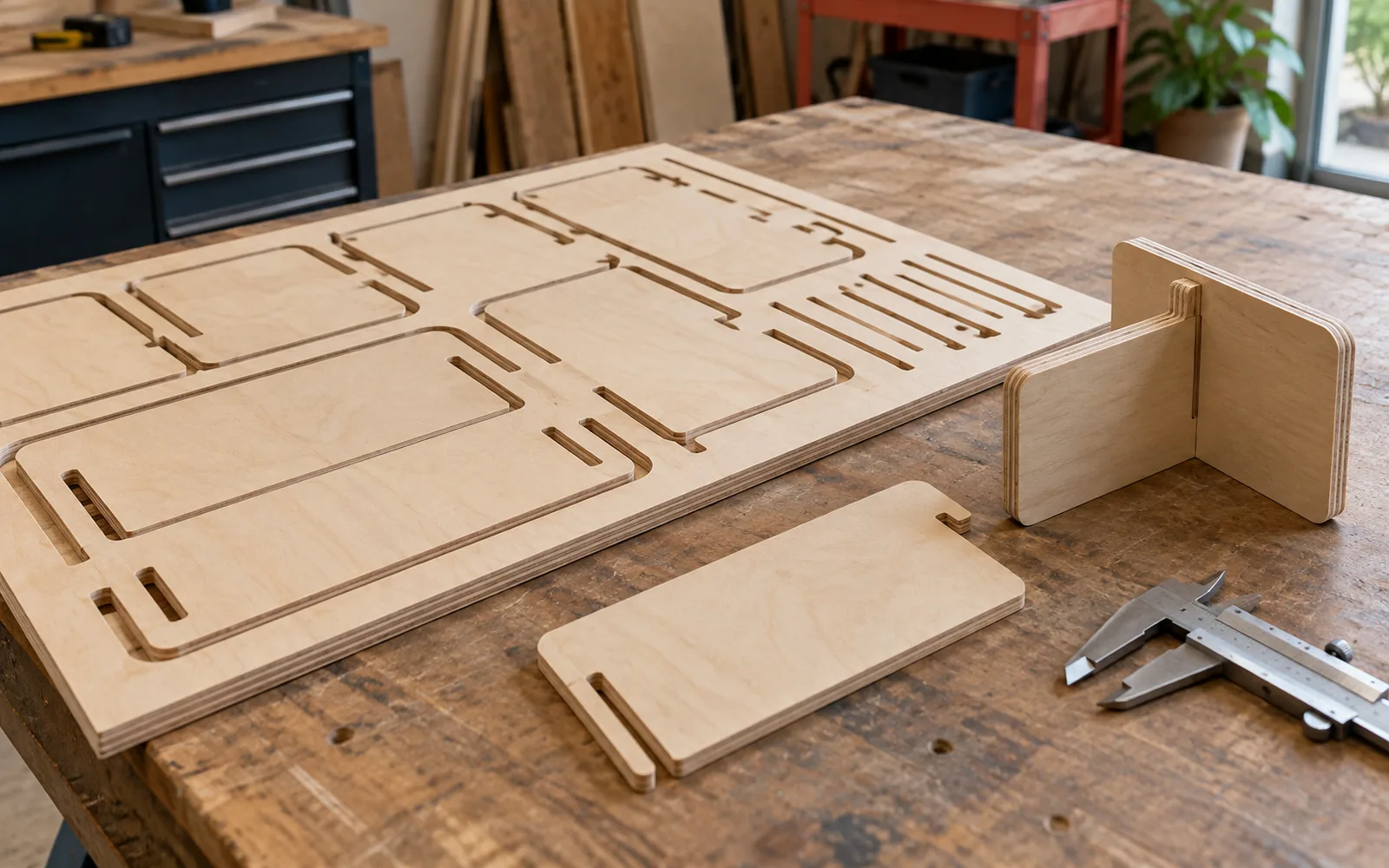
Nesting means arranging parts within the usable sheet area. It is not a competition to fill every gap. Review wood grain or finish direction, the face that will remain visible and areas unsuitable for use. Final appearance may rule out rotating a particular part even when rotation improves the onscreen layout. Keep each identifier attached to its part as the drawing is moved or rotated, so the assembly list remains traceable.
Vectric’s documentation shows that nesting accounts for cutter diameter, additional clearance and the nesting boundary. A visible gap between two lines is therefore not automatically a usable cutting space. Ask the operator to confirm spacing, workholding areas and sheet margins before approving the layout. Do not turn adjacent shapes into a shared-edge cut without a separate review; that changes the toolpath and workholding plan. Keep a reference image of the approved layout and part counts, rather than relying on an attractive utilization percentage.
3. Separate cutting width from assembly clearance
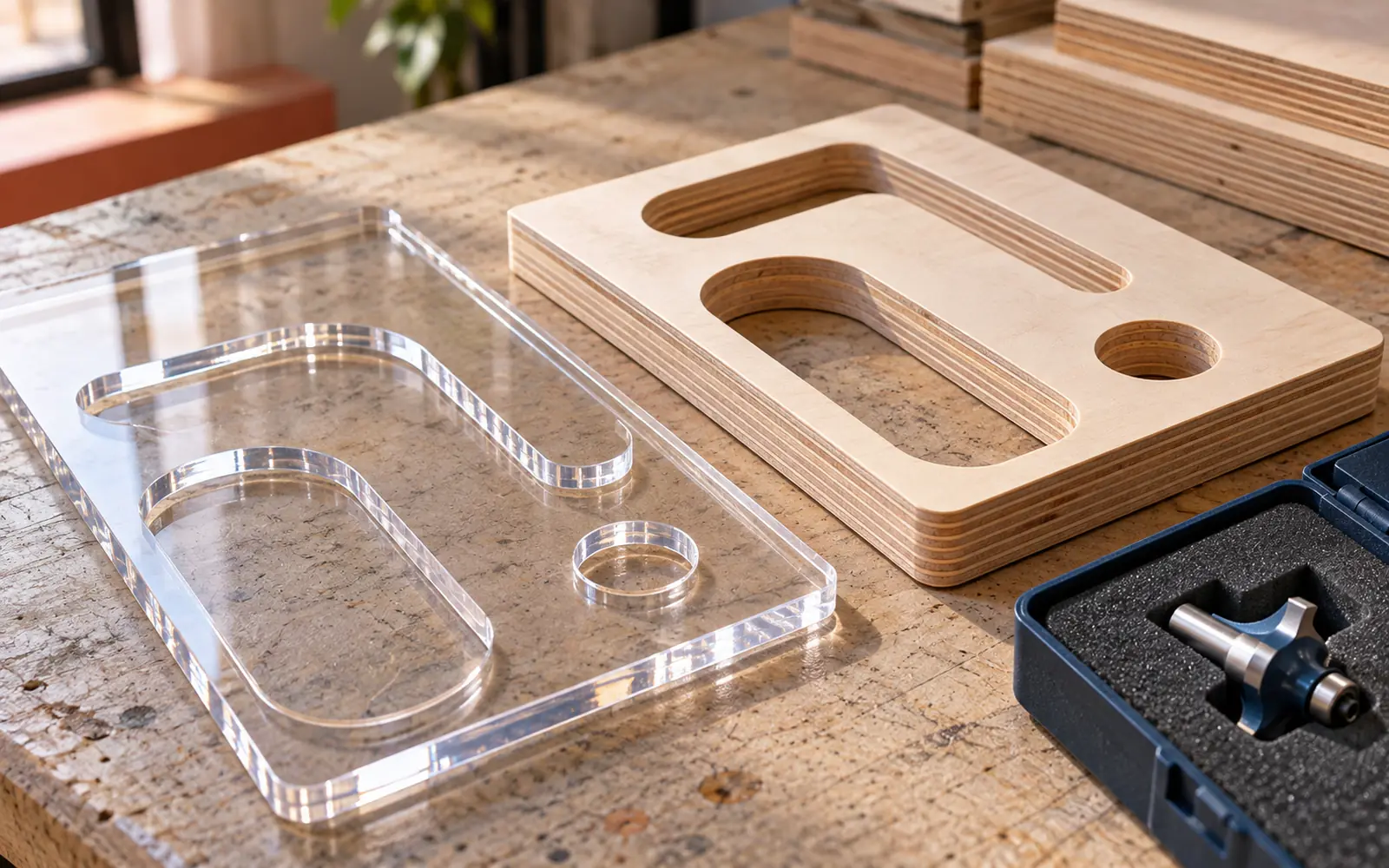
The width removed by a cutter, sometimes called the kerf, is not the gap required between two assembled parts. For routing, tool dimensions and the toolpath’s position relative to the finished boundary need review. Assembly clearance is an intentional dimensional relationship between an opening and the part entering it. Specify the required finished dimensions, and state whether the drawing has already been adjusted for cutting so another compensation is not applied to an already modified file.
Do not assume the nominal sheet thickness equals every piece’s measured thickness, or that a matching slot will deliver the intended fit. Have the selected stock measured and any finish added at contact surfaces reviewed. A small prototype can contain clearly identified clearance alternatives, allowing the intended assembly method to be tested. This article provides no single number suitable for every material and joint: agree acceptable allowances with the producer and document them in the final drawing.
| Item | What does it describe? |
|---|---|
| Cutter diameter | Tool size affecting paths and corners. |
| Assembly clearance | The intended gap between mating parts. |
| Dimensional tolerance | Permitted variation from a specified dimension. |
| Nesting gap | Planned spacing between parts on the sheet. |
4. Review corners and holding tabs with the operator
A round cutter leaves a radius at an internal corner, so a square mating part may stop before seating. Vectric describes dog-bone and T-bone reliefs that allow parts to meet in suitable applications. These are design choices requiring a review of appearance, joint function and tool size, rather than automatic additions to every slot. If the relief will be visible on the front face, inspect it or discuss an alternative geometry before freezing the drawing.
Holding tabs are small sections left to connect a part to the sheet during cutting, as described by Vectric. They differ from assembly tongues that remain in the finished product. Production planning should address their locations and how their marks will be removed without damaging a visible edge or mating surface. ShopBot’s guidance emphasizes workholding suited to the project. The operator reviews the full toolpath, workholding, guards and safety procedures; a digital preview alone does not authorize machine operation or approaching moving machinery.
5. Test assembly before repeating the sheet
Suppose a bookshop in Salalah wants a flat-pack stand for cards and leaflets. This is a hypothetical example, not a documented Color City client or project. The prototype has a base, two sides and a shelf, and its first version is reviewed in the intended material and finish. The retailer checks part orientation, assembly by the agreed method and the clarity of the instructions. Suitability for loads and use requires a separate product-specific review: successful joints do not establish structural capacity.
Record the assembly sequence and any step requiring unexpected force or manual adjustment, instead of addressing the problem separately in every later copy. If disassembly is required, include it in the prototype review. Retain an approved reference item and a photograph of the numbered parts laid out. This lets the recipient check the complete set before assembly and connects any issue to a specific part and known version, rather than an ambiguous request to correct the entire stand.
- Match part identifiers and quantities to the prototype.
- Record measured stock, finish and drawing version.
- Approve joints, corners and visible tab-removal marks.
- Review the prototype again when material or critical dimensions change.
Common questions
Does the least waste mean the best nesting layout?
Not on its own. Nesting must account for material direction, cutter space, workholding and parts that can be identified and assembled. The operator reviews the plan before production.
Can one clearance be used for every joint?
That should not be assumed. Fit depends on measured material, finishing, use and assembly method. Review a representative prototype, then record the agreed dimensions and tolerances.
Is the design file alone ready for a CNC machine?
An approved drawing defines the parts, but needs production review and toolpaths, tooling and workholding appropriate to the machine and material. Do not use unreviewed machine files merely because their preview looks correct.
Sources and further reading
YOUR NEXT STEP
Turn the details into a clear brief.
Send the dimensioned drawing and units, parts list, material, thickness and assembly method so the cutting scope and required prototype can be reviewed.