BEFORE THE DETAILS
- Identify the material and thickness first; appearance alone does not select the machine.
- Laser processing uses a beam; a CNC router removes material with a rotating tool.
- Material, detail, corners and finish guide the appropriate process.
1. What does a laser do?
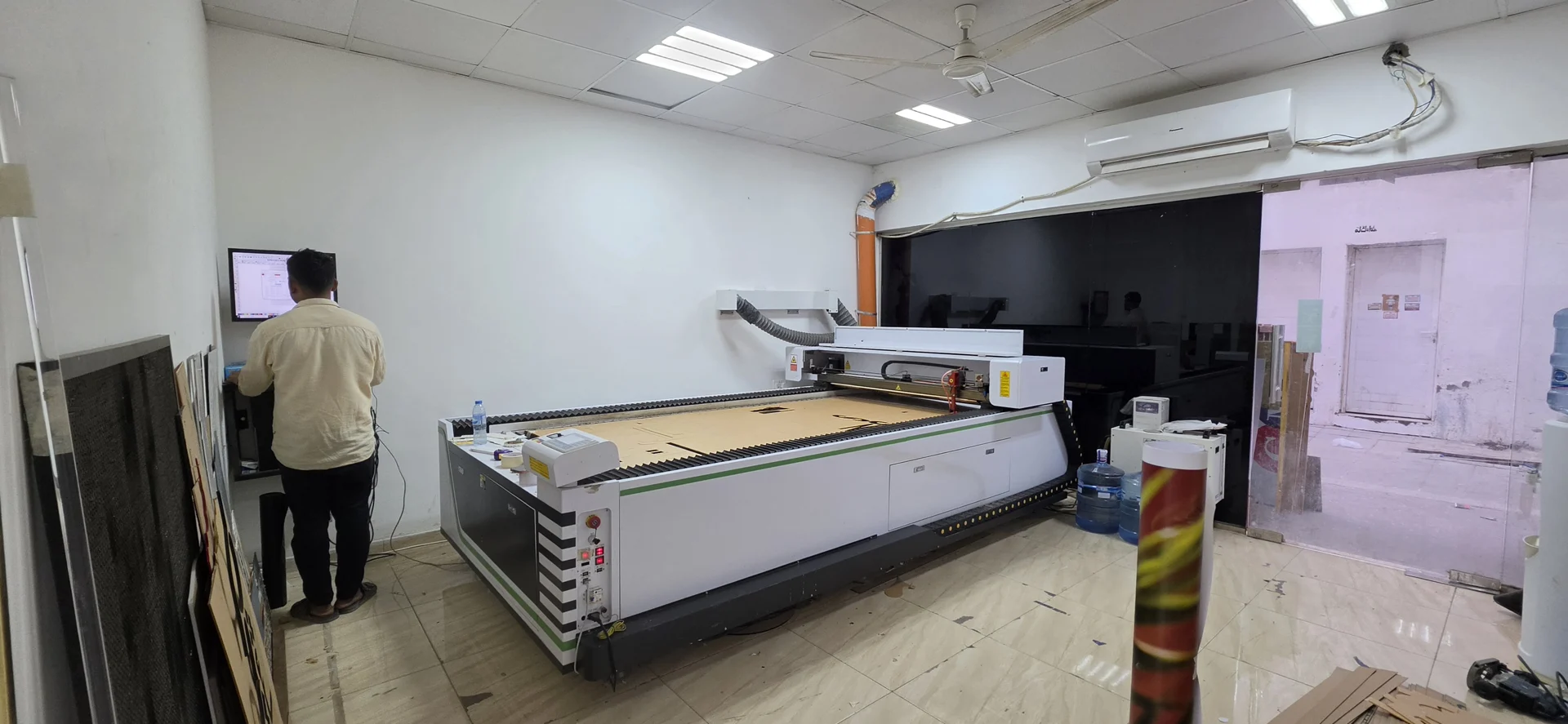
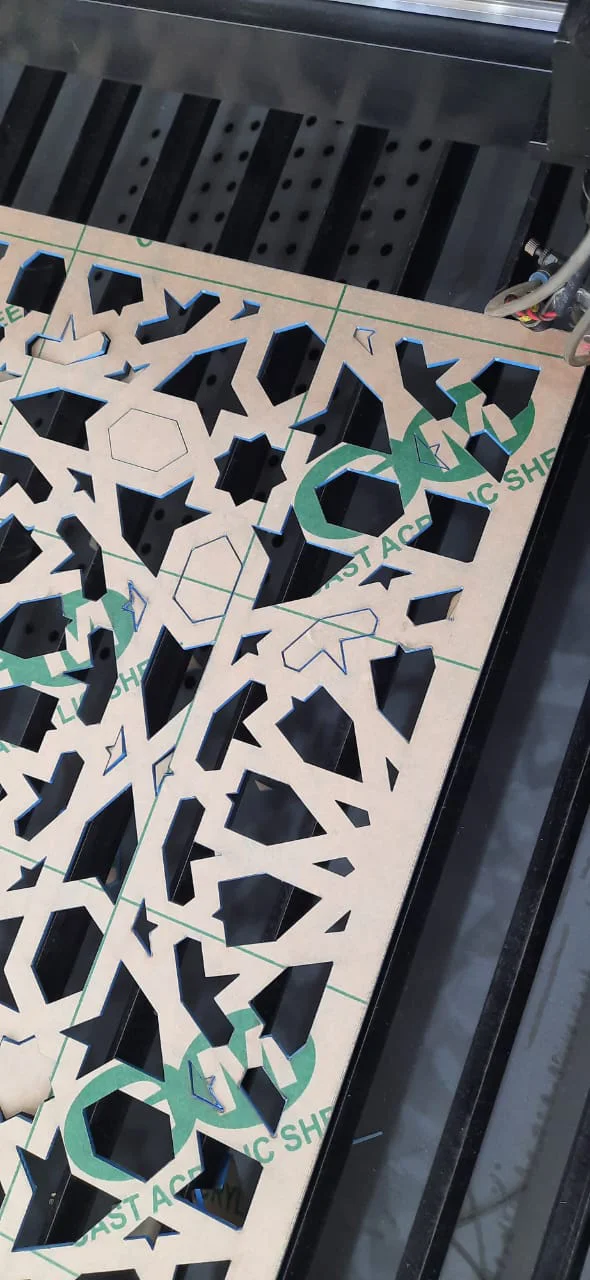
A laser follows the artwork with a beam and can cut or engrave depending on the material and equipment. Suitable applications include PMMA acrylic, wood, names, patterns and gift pieces. Cutting, engraving and marking are different operations: support for one does not establish support for the others on every material.
Say whether you want to cut a shape out of a sheet or engrave lettering on its surface, and describe the expected edge colour and finish. The material and artwork are reviewed before selecting the process. A reference image explains the idea but does not identify the material composition.
2. What does a CNC router do?
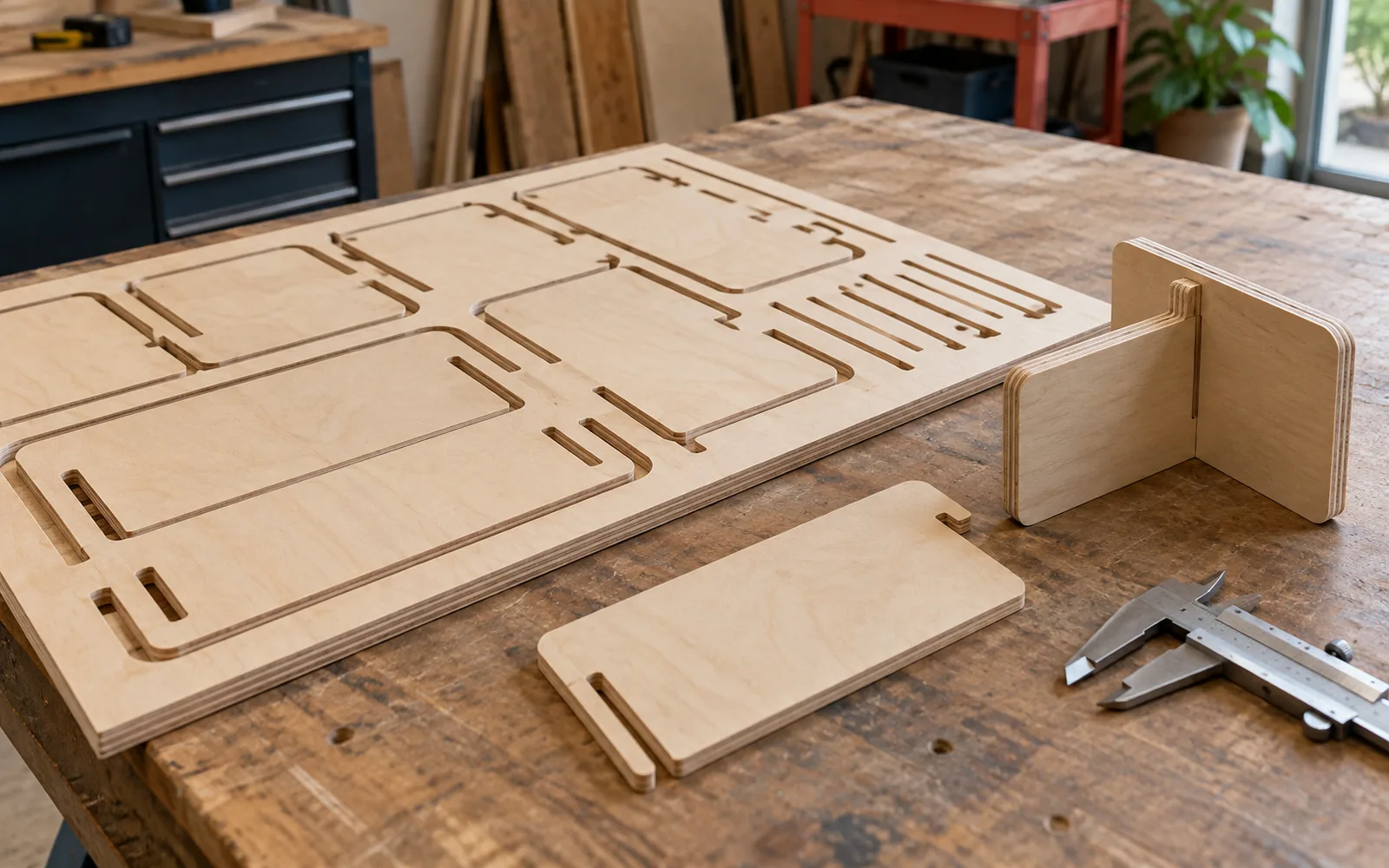
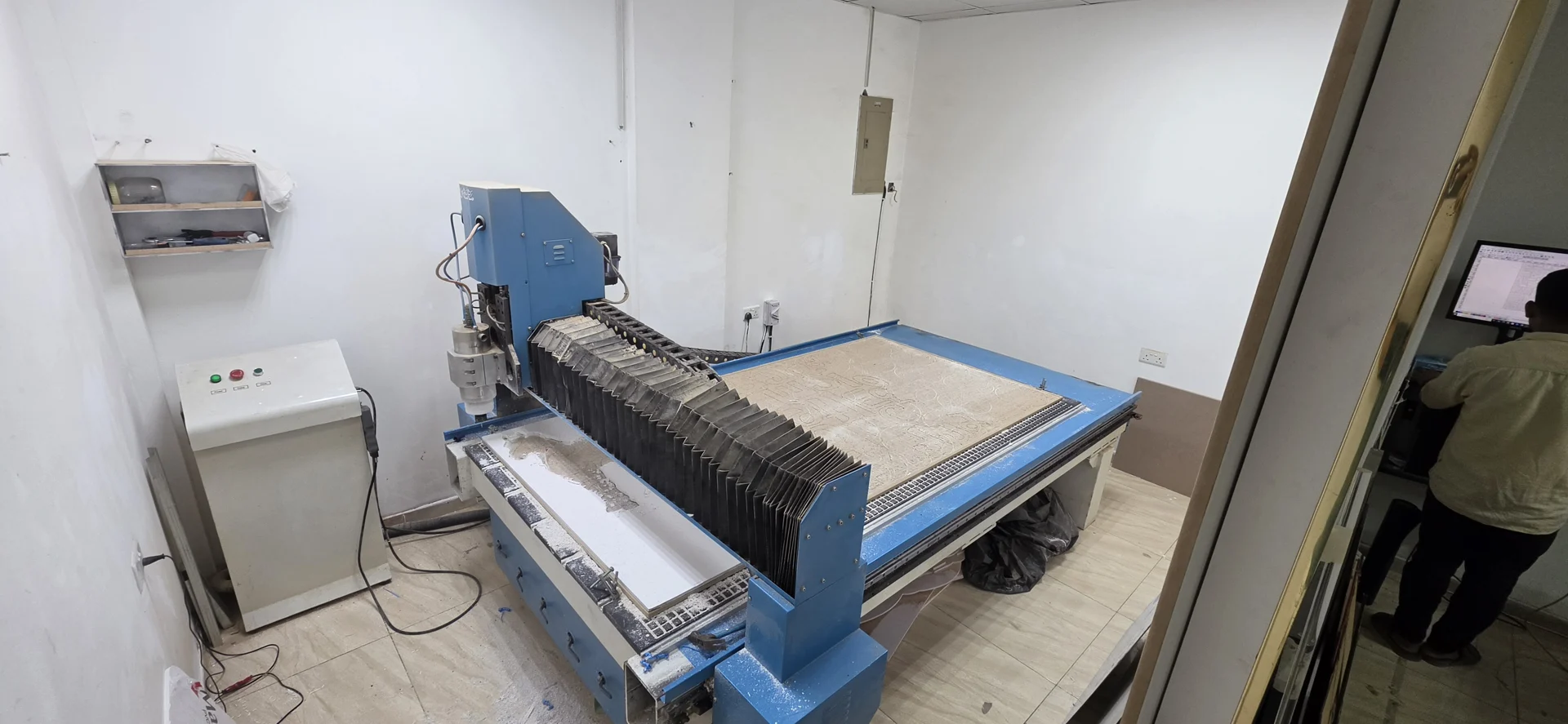
A CNC router uses a rotating tool to remove material along a prepared path. Applications include cutting, milling, decorative panels and preparing certain facade boards, depending on the board, tool and workholding. For cladding, identify the actual product and thickness; facade panels do not all share the same construction.
A rotating cutter has a radius, so tight internal corners and fine details may need a design adjustment or a suitable tool. If the part must fit into another part, explain the assembly function at the start so fitting areas can be reviewed.
| Method | What should the designer review? |
|---|---|
| Laser | Material compatibility and how processing affects edges and detail. |
| CNC router | Rotating tool diameter, material holding and machining requirements. |
| Internal corner | A round router tool leaves a radius that needs review when parts fit together. |
3. How do you choose for your project?
Start with the function, then the material and detail. Is it a personalised acrylic name, a decorative panel or a facade component that needs routing and folding? These questions define the operation. A project can combine several steps or machines, so the choice need not be exclusive throughout production.
| What do you need? | What do we review? |
|---|---|
| A name or pattern in acrylic or wood | Material compatibility, thickness and fine detail |
| Milling, pockets or assembly features | Tool, depth, corners and workholding |
| A facade board prepared for folding | Board type, processing guidance and routing paths |
4. Make sure the material is identified
PVC must not be laser processed. Unknown plastics and coated materials also need composition checks before processing. If you supply the material, send its product name or supplier information rather than describing it only as “plastic” or “wood”.
5. Files and information for a useful review
For a specific cut shape, vector paths such as SVG, DXF or editable artwork can help, according to the team’s requirements. Distinguish cut paths from engraved details and specify the units and final dimensions. If the file is not ready, send a clear reference so artwork preparation can be reviewed.
- Material type, product name and thickness.
- Final size, quantity and whether parts are identical.
- Cutting, engraving, milling or preparation for folding?
- Required finish and assembly information if the part belongs to a larger system.
Common questions
Can every plastic be laser cut?
No. PVC must not be laser processed, and unknown materials need identification and review.
Why can internal CNC corners have a radius?
The rotating router tool has a radius. The artwork or tool selection may need review for the material and detail.
Should I send an image or a cutting file?
An image can explain the idea. Dimensioned production needs clear paths and measurements, or agreed artwork preparation before work begins.
Sources and further reading
YOUR NEXT STEP
Turn the details into a clear brief.
Send artwork or a reference, with material, thickness, size, quantity and how the part will be used.