BEFORE THE DETAILS
- Choose paper and finishing alongside the design and review a finished-size sample.
- Variable data needs structured input and its own proofing checks.
- Paper, duplex-printing and finishing limits vary between systems.
1. How does the image reach the paper?
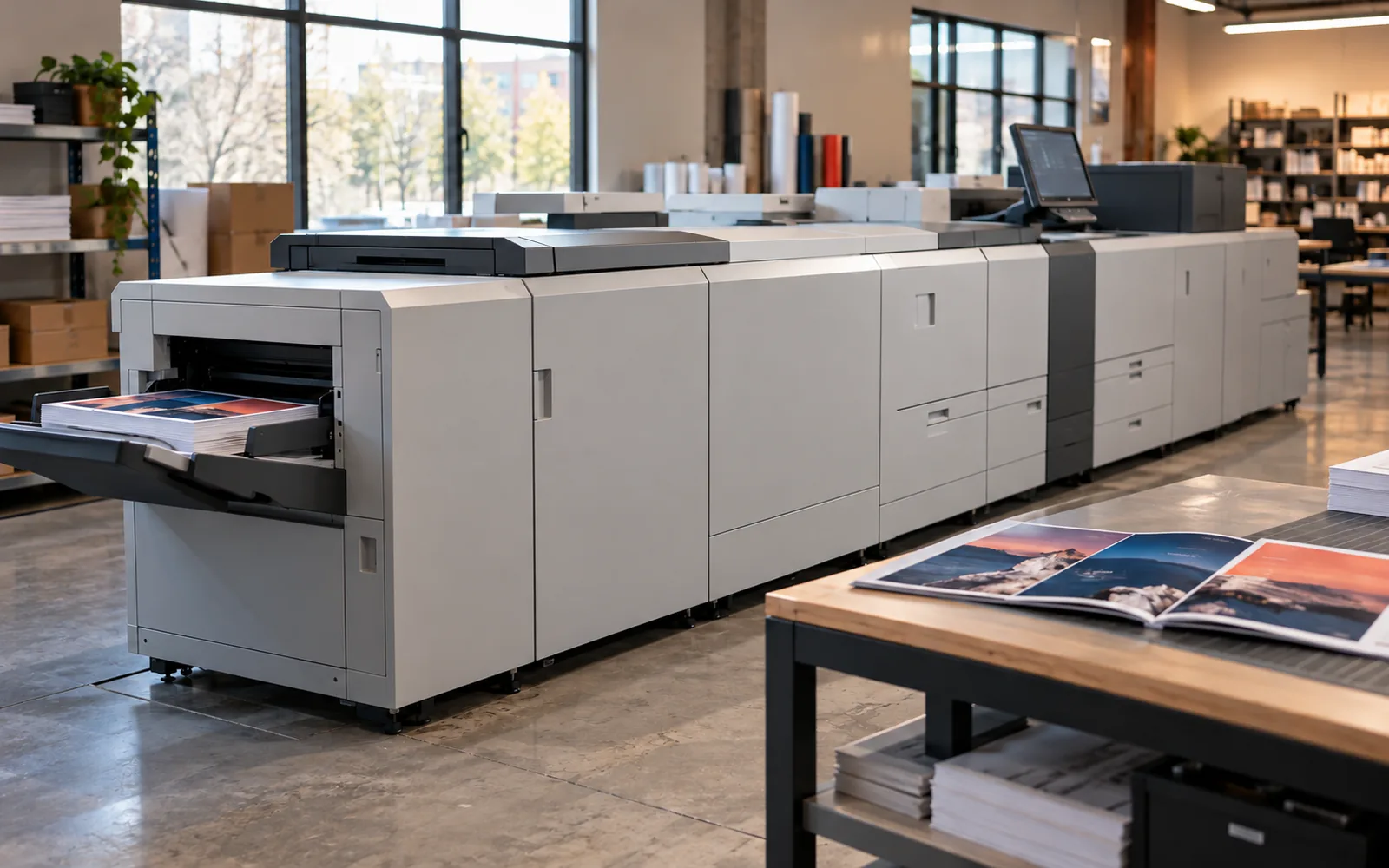
Dry-toner systems use an electrophotographic process: electrical charges form the image, toner particles transfer to the paper and a fusing stage bonds them to it. Page data comes from the digital file. This differs from spraying liquid ink, so paper or label stock must be approved for the machine’s transport and fusing process.
A production press may connect to feeding, stacking, folding, stapling or other finishing units, depending on its configuration. Digital printing does not automatically include all of them. When ordering a booklet, define the finished product: page count, cover stock, binding and reading direction, then review the production route for that specification.
2. When are short runs and multiple versions useful?
Digital printing is relevant to changing jobs such as a new-edition brochure, staff business cards or seasonal menus, where different file versions can be prepared. There is no fixed quantity at which one process always becomes the best choice. Page count, stock, finishing, repeat ordering and available time affect the decision, so compare quotations with the same specification.
Variable-data workflows can change names, numbers or other elements between copies. Start with a clear table mapping each field to its position in the design, and review examples containing the longest and shortest names and any Arabic and English text. Supply only the data needed, define copies per record and specify delivery order to avoid mixing versions.
3. Paper weight is only part of the specification
Grams per square metre describes paper mass but does not fully predict feel, stiffness or colour appearance. Record the stock name or type, whether it is coated or uncoated, its colour and finish. A machine may support a stock only through a particular feed path or for single-sided work; verify the exact specification rather than generalising from a maximum advertised weight.
If the piece will be written on or stamped, test that on the finished sample, including any laminate. For labels or synthetic media, confirm approval for both the press and the intended use. Keep the paper reference for repeat jobs: a change in texture or whiteness can change the customer’s impression even when the artwork stays the same.
| Printed item | Important details |
|---|---|
| Business card | Trimmed size, both sides, stock and lamination |
| Folded brochure | Open and closed size, fold style and fold positions |
| Booklet | Page count including the cover, reading direction and binding |
| Personalised copies | Variable fields and copies per record |
4. Approve colour, trimming and folding together
Review a sample containing fine text, broad colour areas and actual project images. Compare the two sides and check reverse-side orientation and trim clearances. If a brand colour has an important reference, provide it and discuss the required match. A screen colour or old copy on different paper is not, by itself, a sufficient standard for the new run.
Cracking can appear at a fold, particularly where an image crosses it; Xerox finishing guidance identifies pre-scoring as a way to reduce it. Request a trial using the proposed stock, design and finish, and check how the brochure opens and closes. For a booklet, inspect assembled page order, Arabic reading direction and staple or binding position before approving the run.
5. What should you prepare before ordering?
Professional care includes storing paper as its supplier recommends, recording the correct stock settings and following approved quality checks and calibration. Operators follow the machine manual for consumables and paper jams, while recurring faults require technical support. Customers should avoid sending arbitrary artwork revisions to solve a colour issue; link each change to a sample and a clear observation.
- One final file with a version reference, clear dimensions and quantity.
- Page and side counts, language and reading direction.
- Paper and finishing, plus any area to be written on or stamped later.
- A separate data table for personalisation and an approved sample before the batch.
Common questions
Does all digital printing use toner?
No. Digital printing also includes technologies such as inkjet. This guide covers dry-toner production systems, whose limits must be checked against the press, stock and finishing.
Is heavier paper always better?
It depends on the use. Business cards, folded brochures and booklet pages need different properties; review feel, folding and binding as well as weight.
Sources and further reading
YOUR NEXT STEP
Turn the details into a clear brief.
Send the item type, dimensions, quantity and page count, together with your artwork and any paper or finishing reference.